AI Aligner: aligner plans and designs from your scans
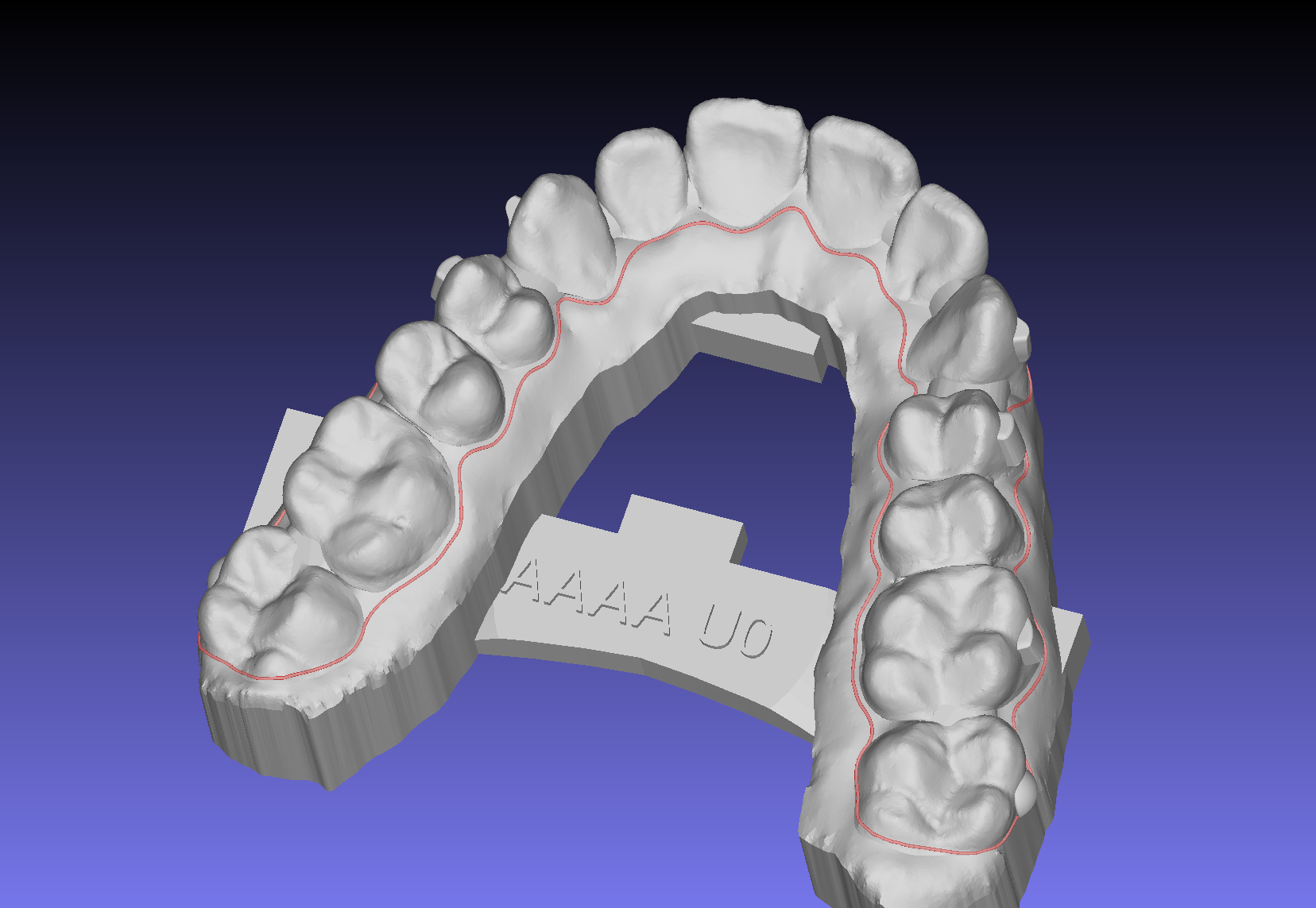
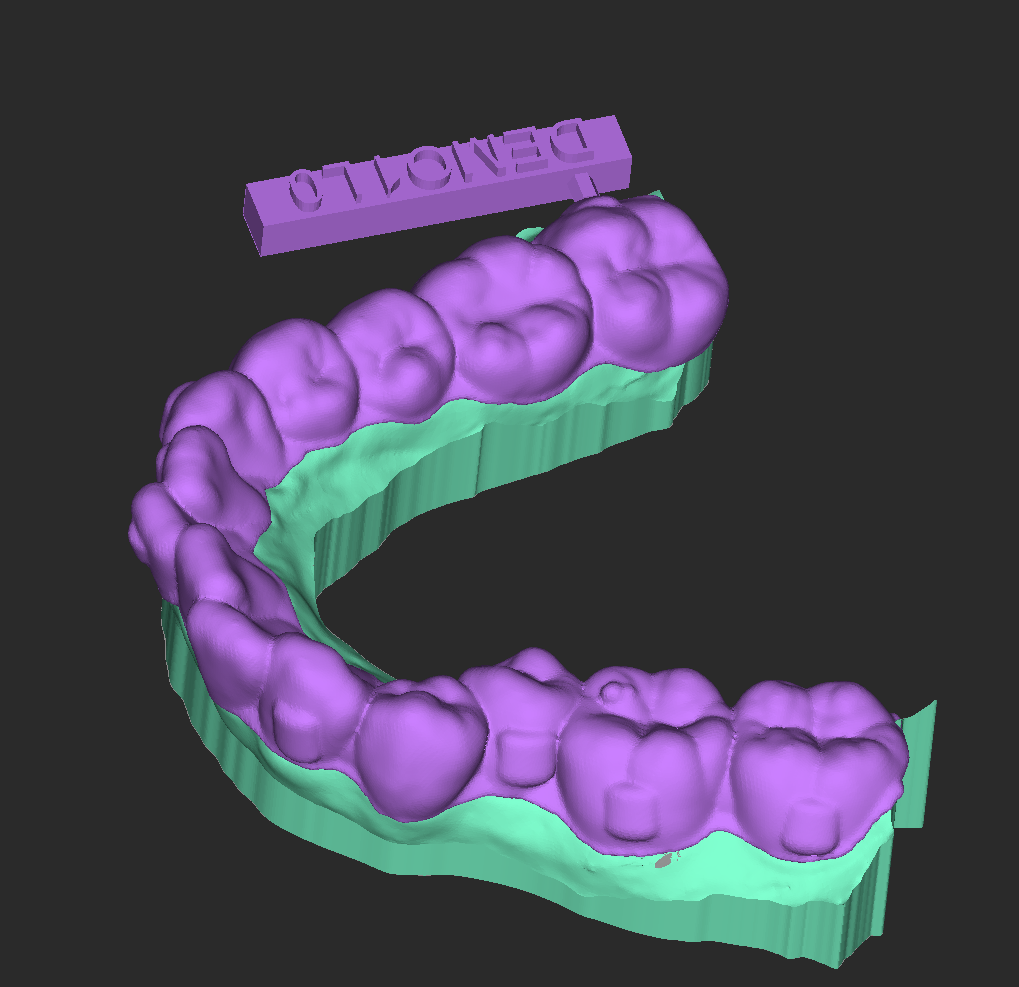
Upload the upper and lower scans in your Cympha account. AlignerBot makes a setup simulation, you review it in your browser, and the aligner design comes back as one STL per step. It runs on the GuideMia OrthoPlus planning engine.
Start a case now
The Phase-1 aligner plan review is free. A case costs one credit when you take it on to the appliance design.
Not on Cympha? The same AlignerBot engine is available per case, with no account here, at clearaligner.ai
Free Phase-1 aligner plan
The plan is free. The design is one credit.
Create a Cympha account and upload the scans; AlignerBot makes the initial aligner plan, a setup simulation, for you to review in Cympha Studio. A credit is charged only when you take that case on to the appliance design.
- A Cympha account is all you need to start
- Stage 1 planning only — appliance design is one credit per case
- Open to trial users as well
What the free plan does not cover
- Automatic planning does not handle extraction cases, erupting teeth, or missing teeth. Cases involving any of those are outside what it can produce.
- The result is a simulation, for demonstration and assessment. Finalising it for treatment is yours to do — adjust and complete the plan in Cympha Studio or the OrthoPlus Planner.
- Aligner design is what a paid case buys: take a case forward on a credit and we design the appliances.
A promotional offer, and the terms may change. It is separate from any subscription: not included in, and not part of, a Cympha or GuideMia software subscription.
Pricing
One credit per case, from plan to design
Phase-1 planning is free — try the plan before you commit. Pay one credit when you self-approve, and the case is yours for life: every Re-run, every XML revision, every iteration is included.
- Free Phase-1 plan review
- Unlimited Re-runs after a credit is spent on a case
- Bulk packs available (5- and 10-credit packs)
How it works
Three steps from scan to delivery
AI Aligner runs the OrthoPlus planning workflow on GuideMia's design workstations and returns each result to your Cympha case.
Submit in your browser
Drop the upper / lower scan, fill in the treatment plan one page, and submit. No OrthoPlus install required to start a case.
Approve the AI plan
Phase-1 planning runs immediately. Review the proposed step sequence in the browser — when it looks right, hit Self-approve.
Download the design
The agent produces a per-step STL bundle. Print it, mill it, or ship it to your aligner partner — your call.
Why AI Aligner
Aligner design from your Cympha account
Starts when you submit
The case goes to the AlignerBot workstations as soon as you submit it, and again as soon as you approve the plan.
Clinician in control
Edit the aligner plan, request changes via XML overlay, or hit Re-run with new options. You're the operator.
Same engine as the pros
Backed by GuideMia OrthoPlus — the planning system in clinical use for over a decade.
Your data, your case
No anonymized resale, no lab sharing. The files we hold on your behalf stay yours.
Structured revisions
Bring up the design in OrthoPlus Studio, tweak a tooth, export an XML overlay, and Re-run. No back-and-forth chat about millimeters.
Pay per case, not per seat
One credit covers a case for its full lifetime, from the first plan to every revision. It is separate from a Cympha subscription.
Start an AI Aligner case
Submit a case and review the Phase-1 plan in your browser. You pay only if you take it on to the design.